Contents
- 1. Introduction
- 2. Data
- 3. Source Code
- 4. Features
- 5. Platforms
Introduction
Poster
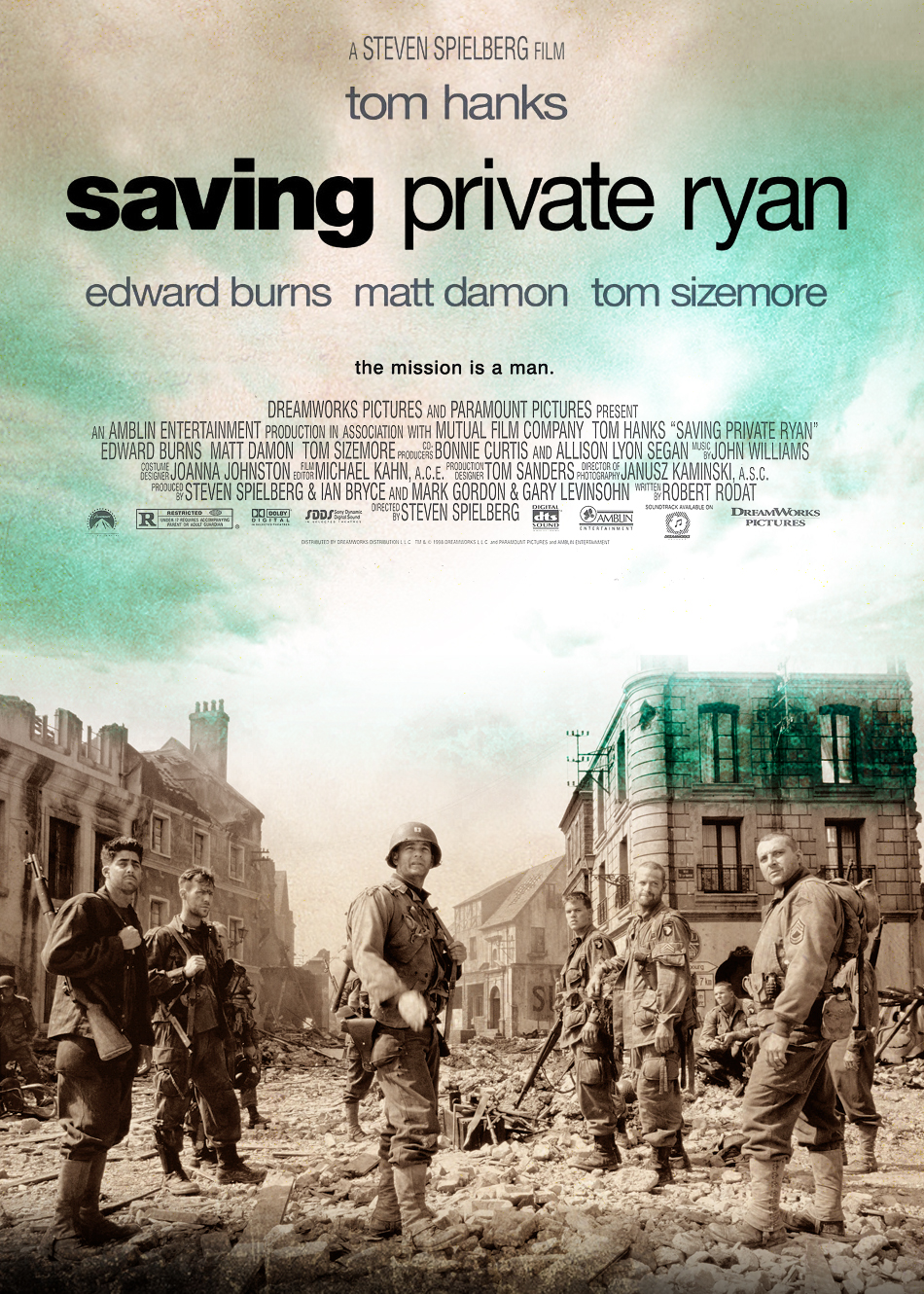
Directed by Steven Spielberg and released in 1998, this is the film of the story: following the Normandy Landings, a group of US soldiers go behind enemy lines to retrieve a paratrooper whose brothers have been killed in action. This film is notable for its graphic and realistic portrayal of World War II combat. Our project focuses on the last battle of the film, to find Ryan and then destroy the approaching german tiger tank.
Weapons
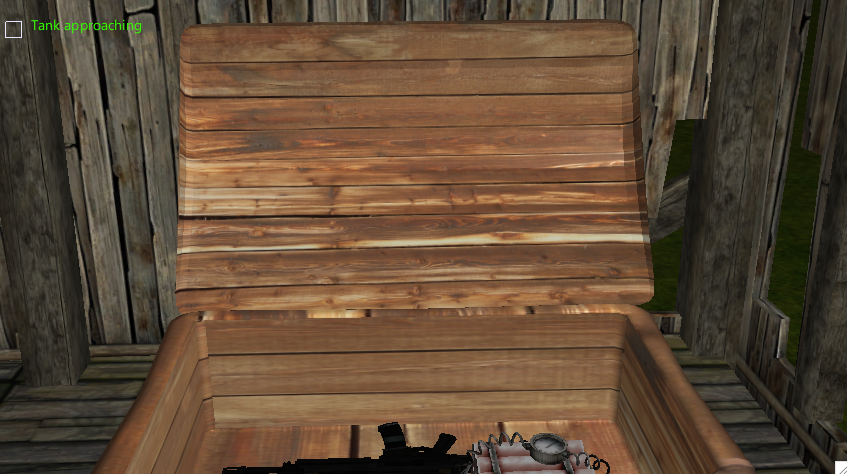
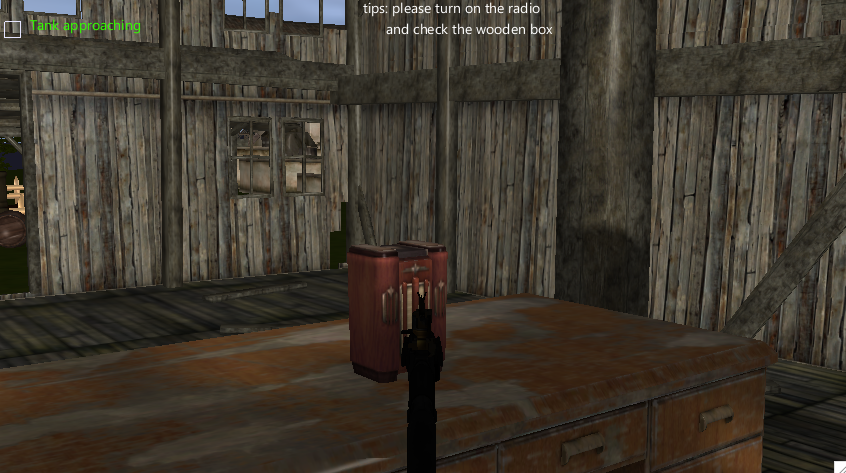
At the beginning of this application, user is located inside an abundoned old house. User
can interact with the objects in the environment pressing 'O' (such as
turn-on-radio, fetch/drop-objects, talk-with-characters). Turn on the
radio on the desk. Then the user would get the order to find private Ryan. Open the wooden
box to fetch the weapons for this application.
Rifle
Pressing 'U' to switch between normal/rifle mode. Pressing 'Q'
to fire the rifle. Press 'Y' to drop/fetch the dynamite.
Camp
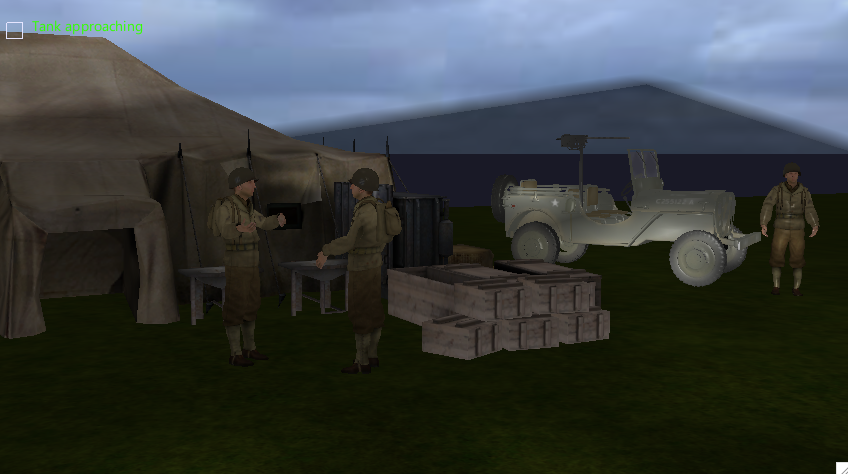
The camp of US army is outside of the house. Talk with the
soldier, who is by side of the jeep, to get more information of Ryan.
German soldier
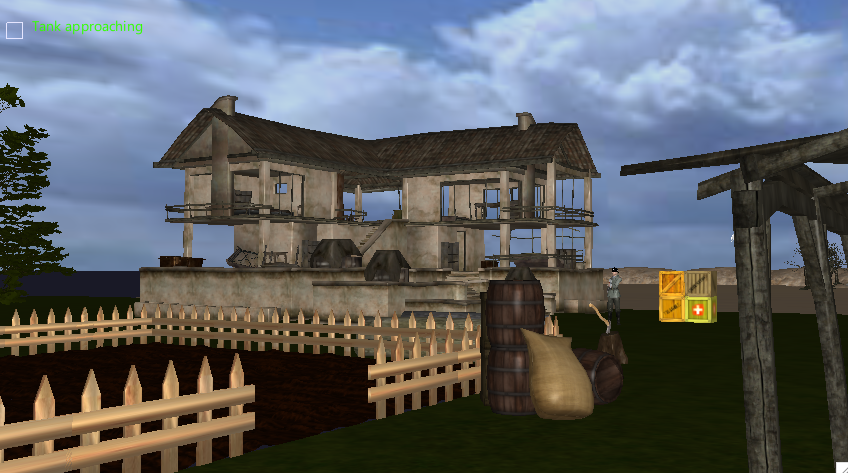
Prepare to fight with the german soldier using your rifle.
Ryan of Minnesota
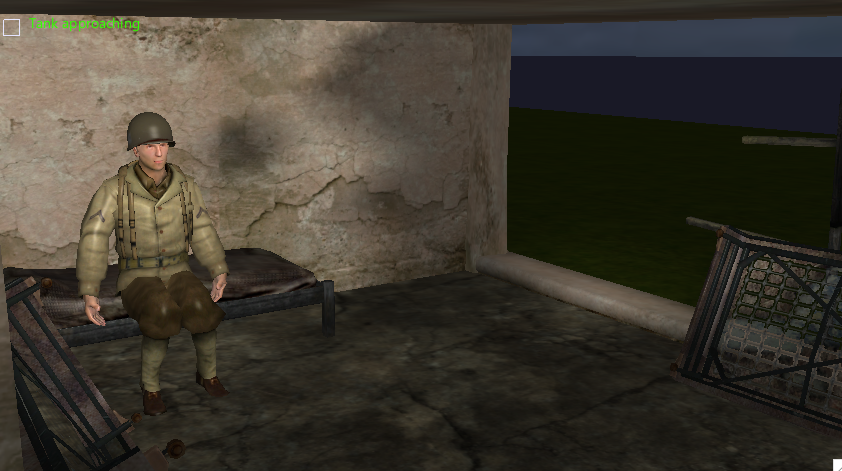
Talk with the soldier inside the house which is guarded by german soldier to
get the location of Ryan.
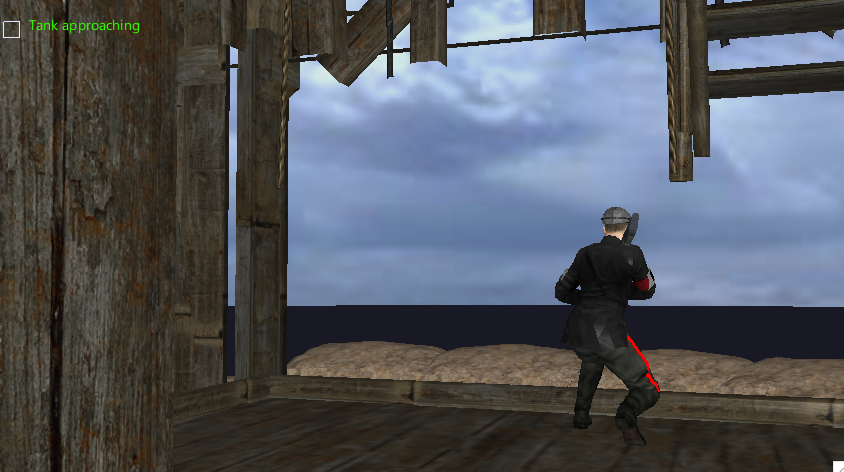
German sniper
Get rid of the german sniper who is watching the bridge.
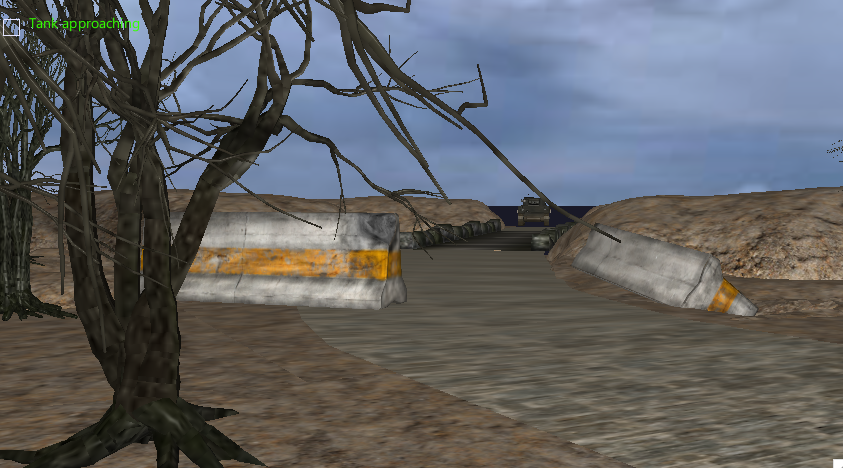
Bridge
Place the dynamite on the other side of the bridge and check the box "tank approaching".
The german tiger tank is then moving towards the bridge. It gets blew up when hitting the dynamite.
Data
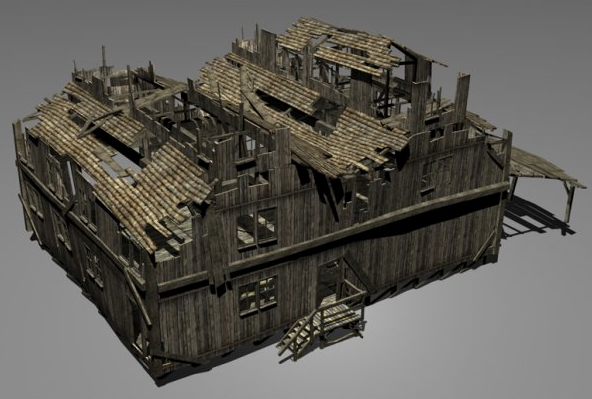
The models used in this application are from TURBOSQUID and TF3DM. The following is a table of models along with the snapshot:
| Snapshot | Name |
|---|---|
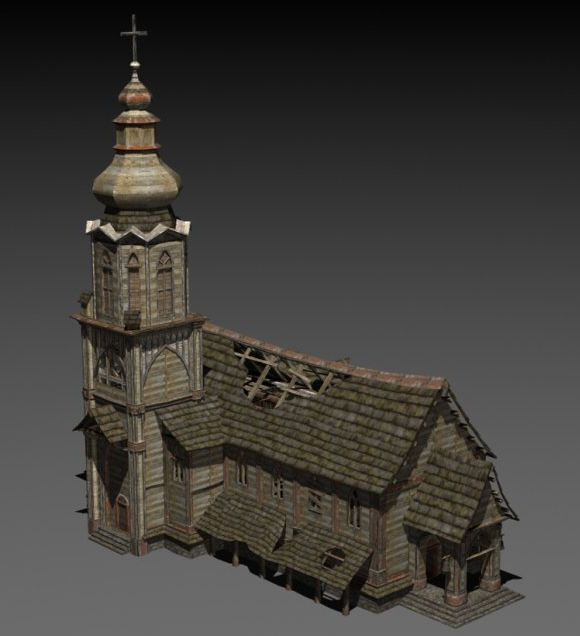 |
Church |
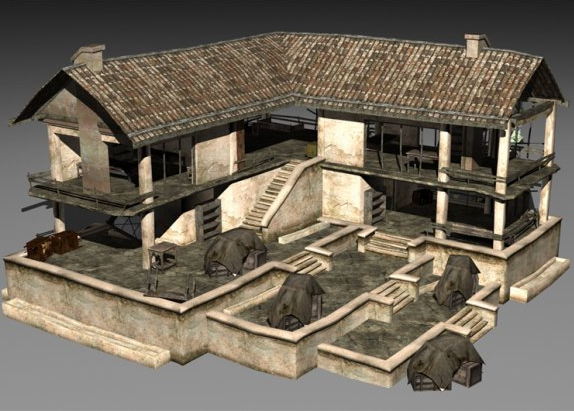 |
House 1 |
 |
House 2 |
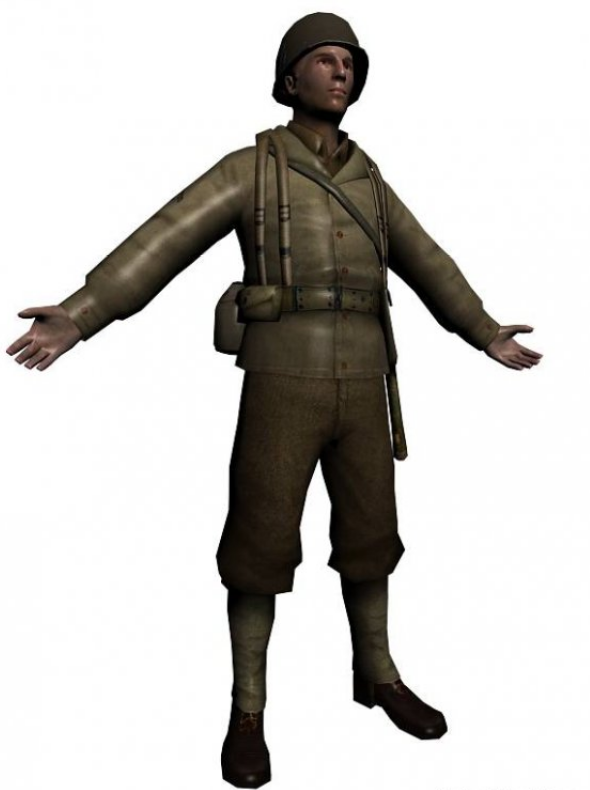 |
US Soldier |
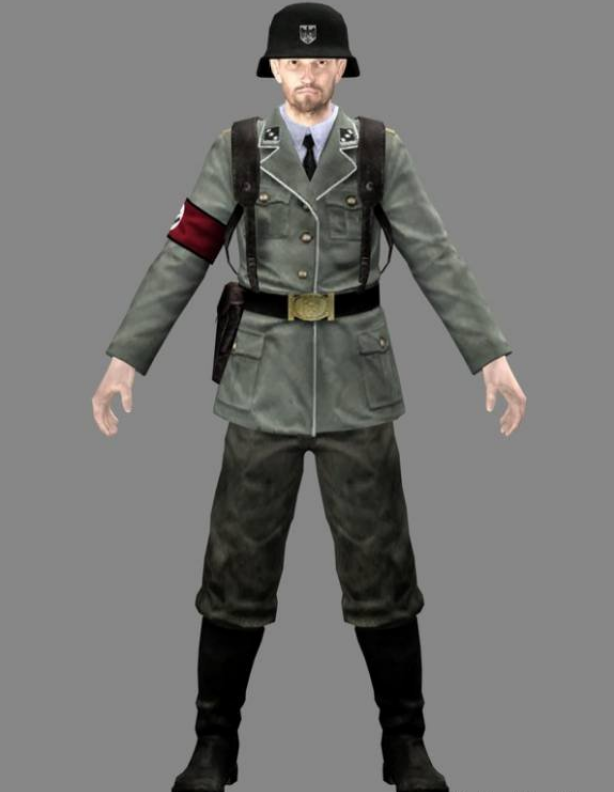 |
German Soldier |
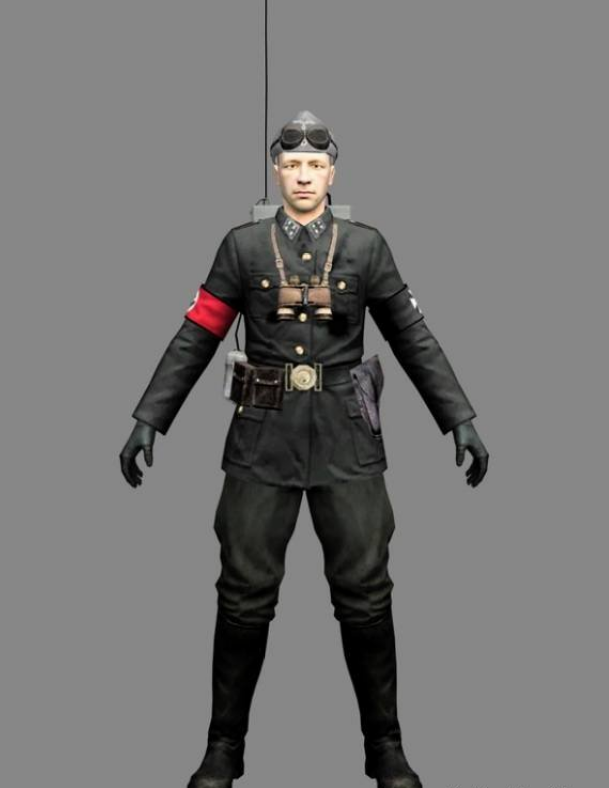 |
German Sniper |
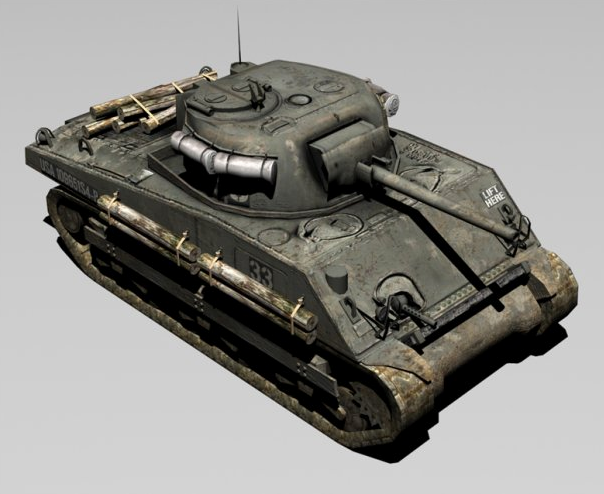 |
Tank |
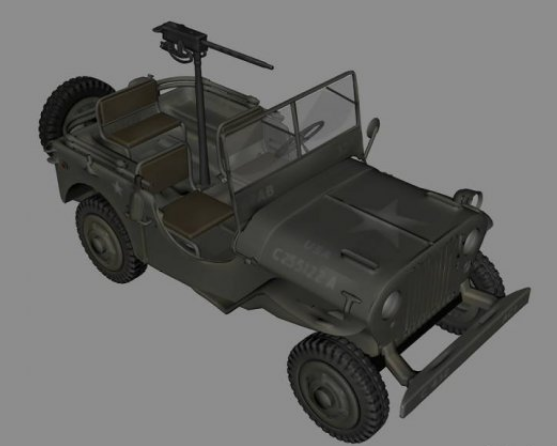 |
Jeep |
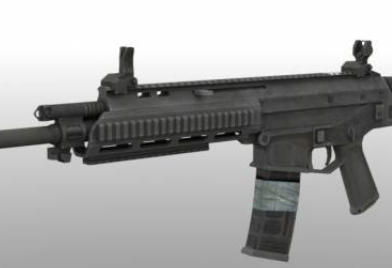 |
Rifle |
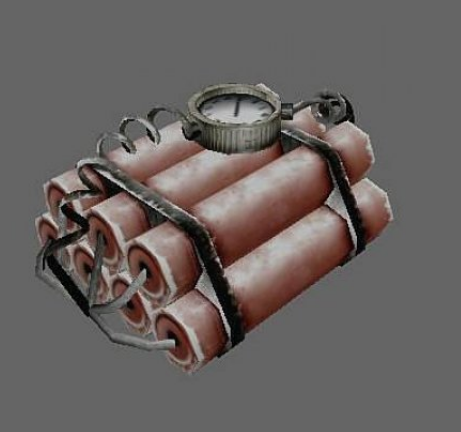 |
Dynamite |
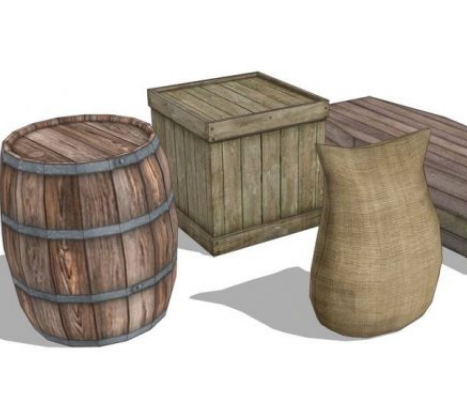 |
Barrel & Box & Sack |
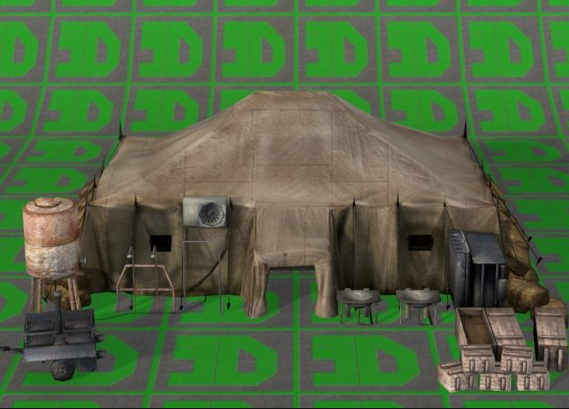 |
Tent |
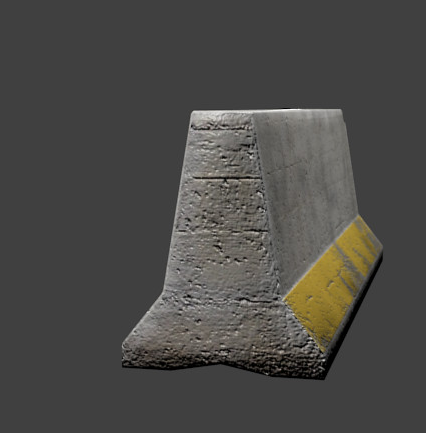 |
Barrier |
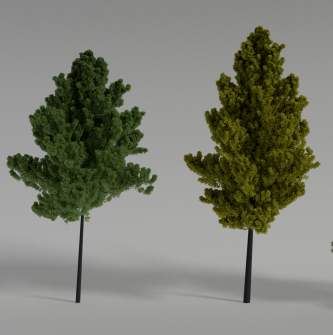 |
Tree |
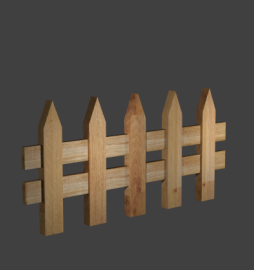 |
Fence |
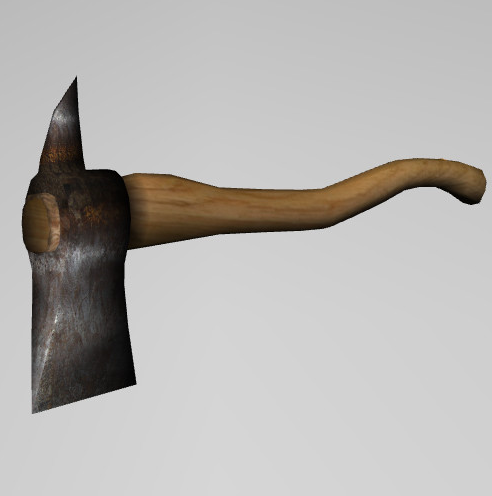 |
Ax |
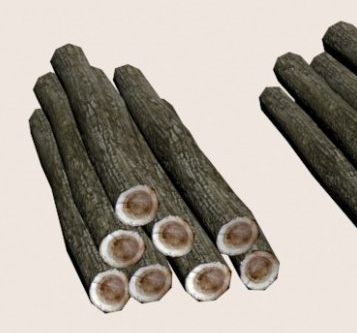 |
Logs |
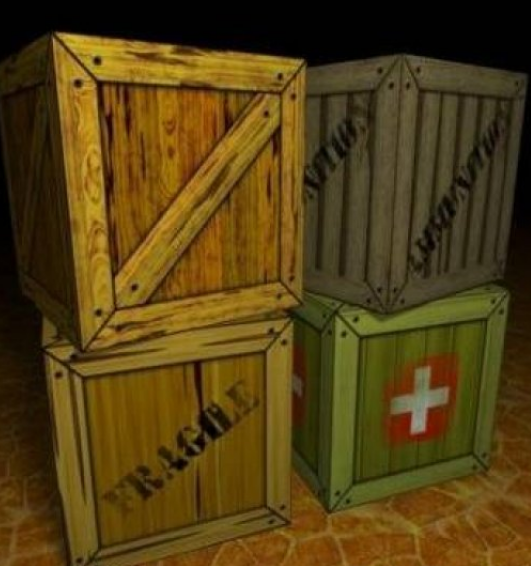 |
Crate |
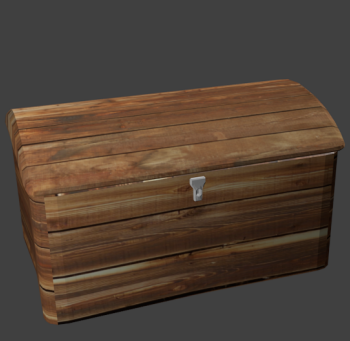 |
Chest |
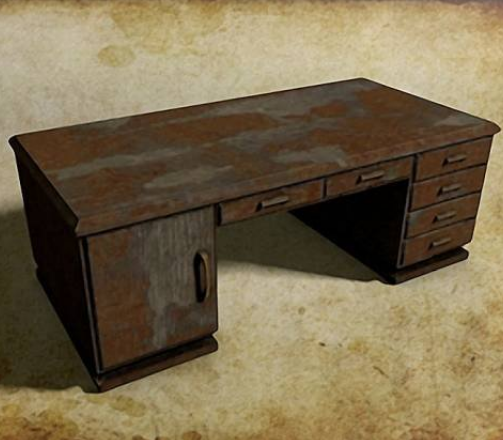 |
Desk |
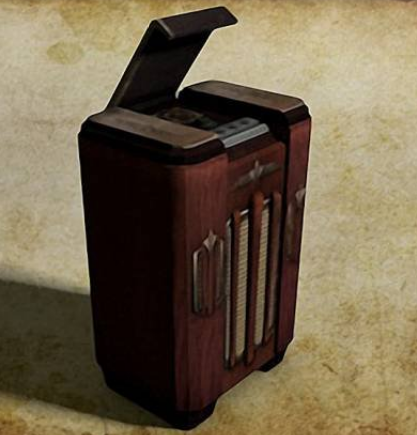 |
Radio |
 |
Dove |
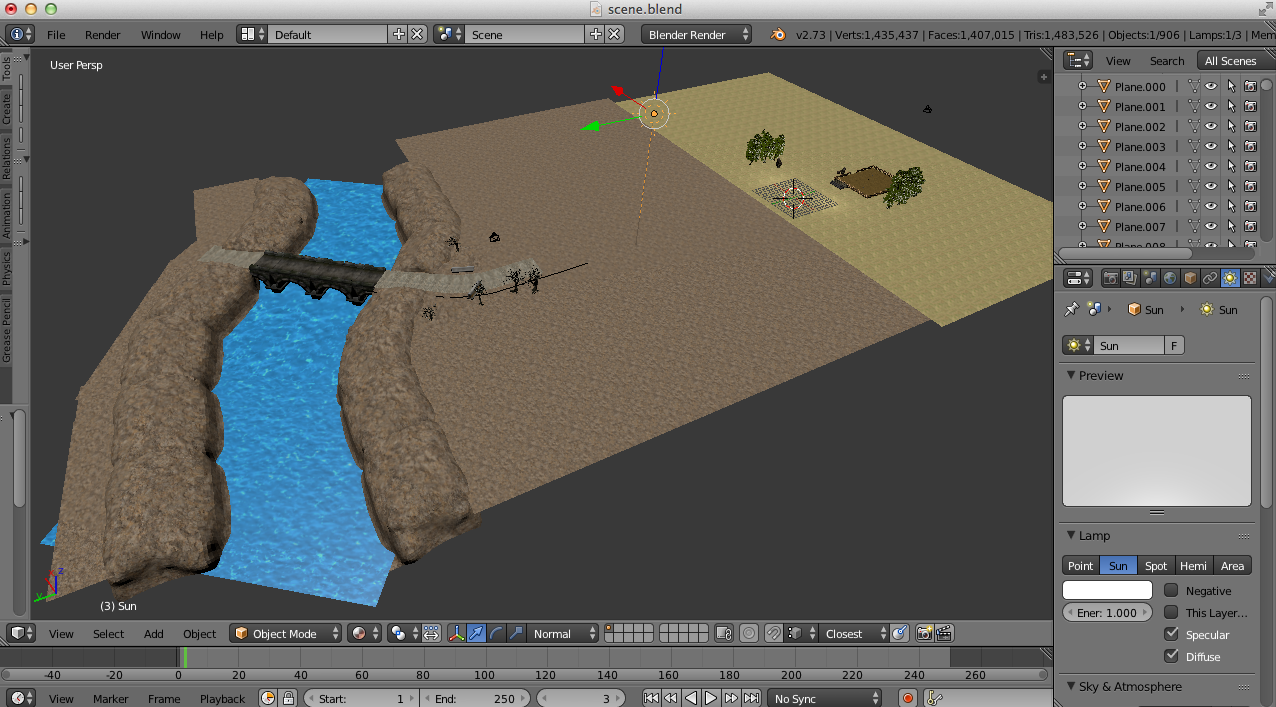
Scene
The environment of this application is created using Blender.
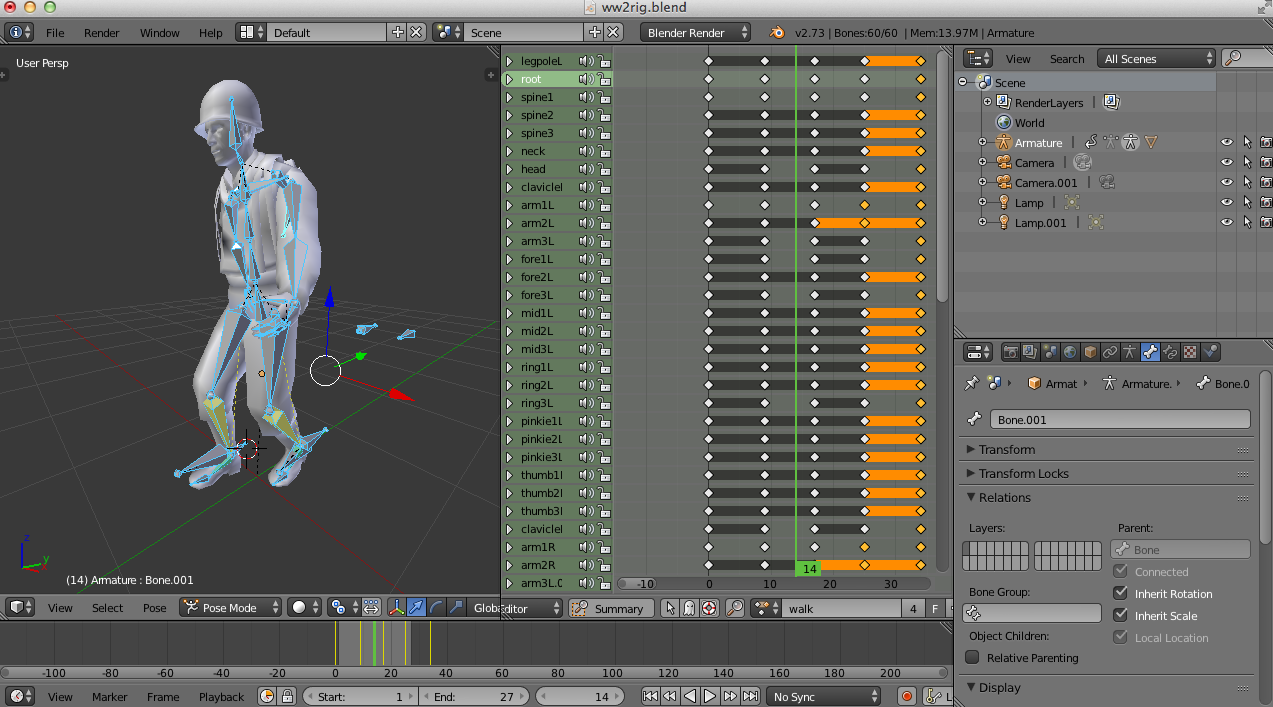
Animation
The animation effects of some characters such as soldiers, dove are also created using Blender.
There are number of spatialized sound effects in the environment. These sound files are downloaded from non-commercial-use site SoundBible. Here is the table of the sound effects used in the application:
| Emitter | Description |
|---|---|
| Rifle | Gun shot sound when user fires the rifle. |
| Dynamite | Bomb sound when the tank is exploded. |
Source Code
To run the application, you need to install OmegaLib first. Please build the OmegaLib following the tutorial according to the OS you use. Then unzip the source code you will see the python script ryan.py. Run orun -s your-path-to/ryan.py in command line and enjoy the VR navigation.
Features
One interseting thing I found during development is to make explosion effect while blowing up the tank. At the very beginning, I simply thought some assets in Unity or Blender would get it done without much efferts. However, then I found out these animation effects could not be exported into the model file. This really got me frustrated. After doing some google search, I realized I have to implement this out from scratch. Due to the time issue, I designed a pretty naive particle system to simulate the smoke and flame using a quadratic equation but not the classic Navier-Stokes equations. So the final effect looks kind of clumsy.
Platforms
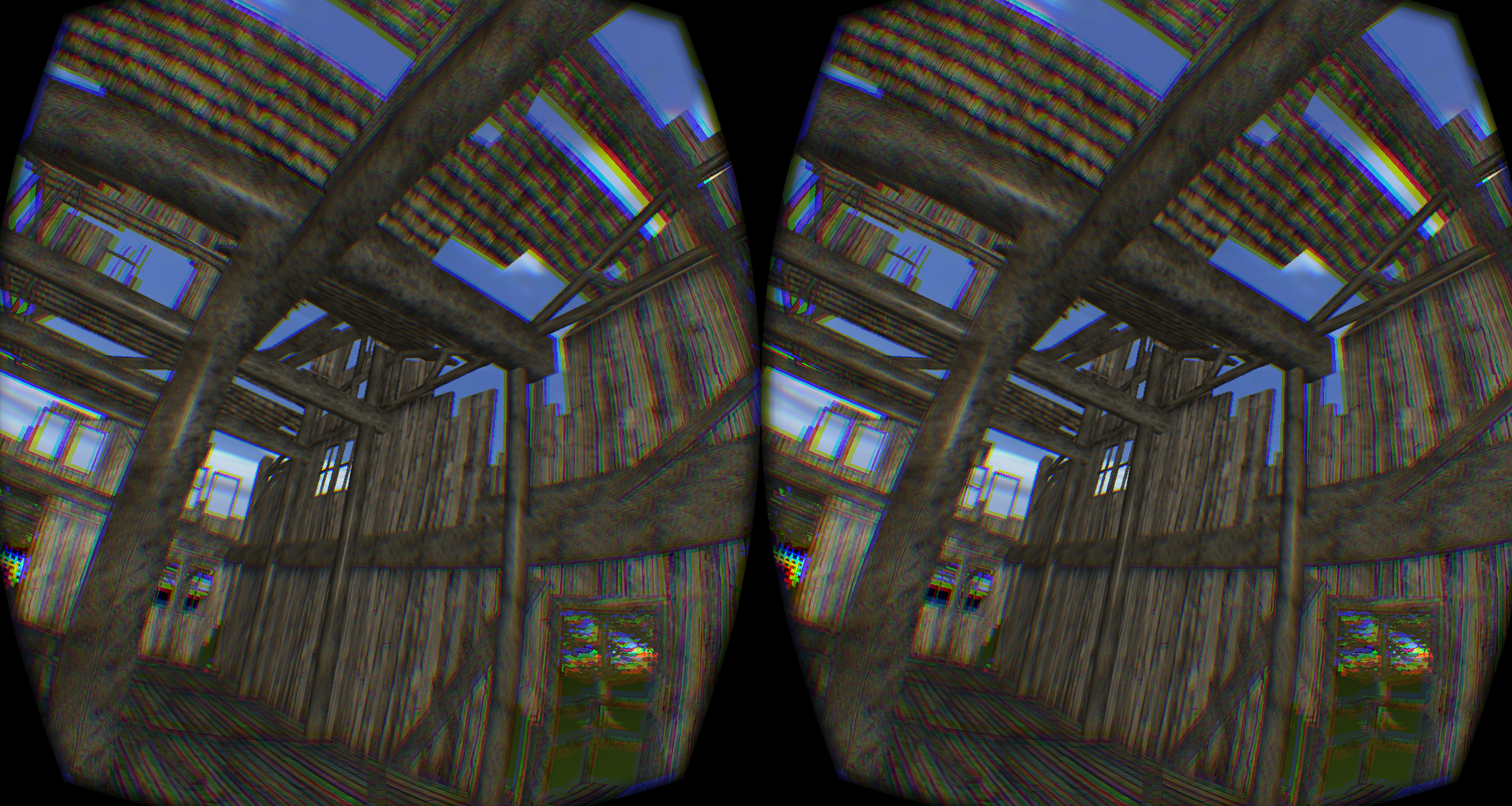
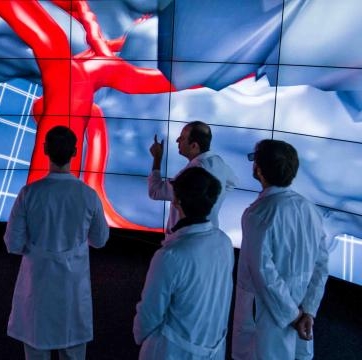
The application can also run on other platforms like Oculus Rift or CAVE2. On both Rift and CAVE2, the script ryancave.py should be used instead of ryan.py in command line. On both these platforms, user feels in some ways similar: walking around or looking around freely, interacting with objects with controllers (wand or joystick). But the difference is that on CAVE2 there is no restriction for user to physically move around in large space while on rift the only physical movement is from the user's head or hand. That's why on CAVE2 there is more realistic immersive feelings.
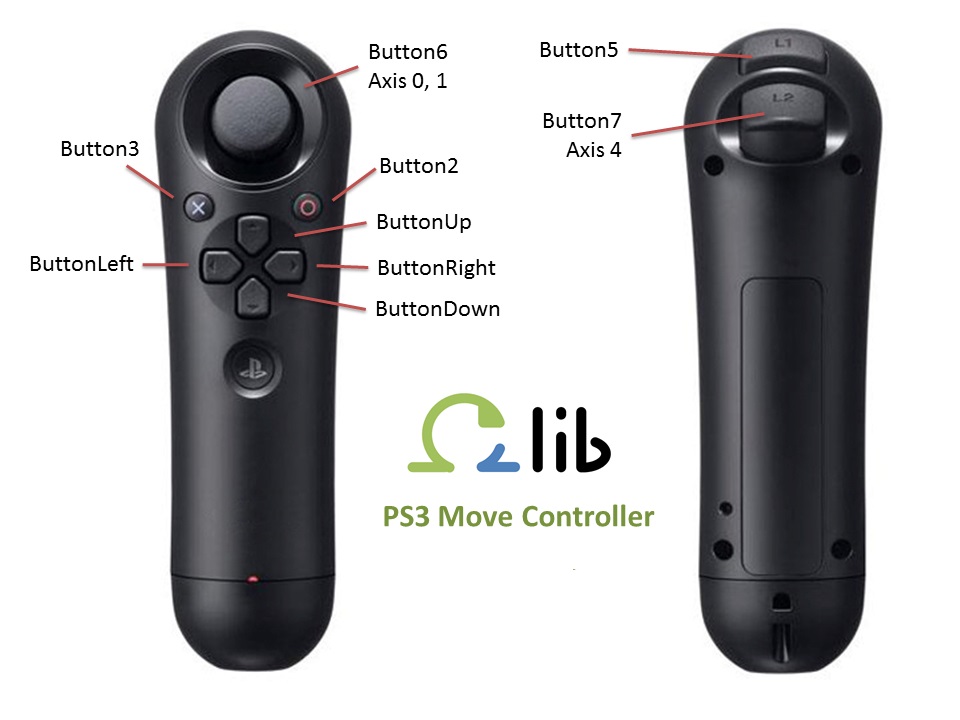
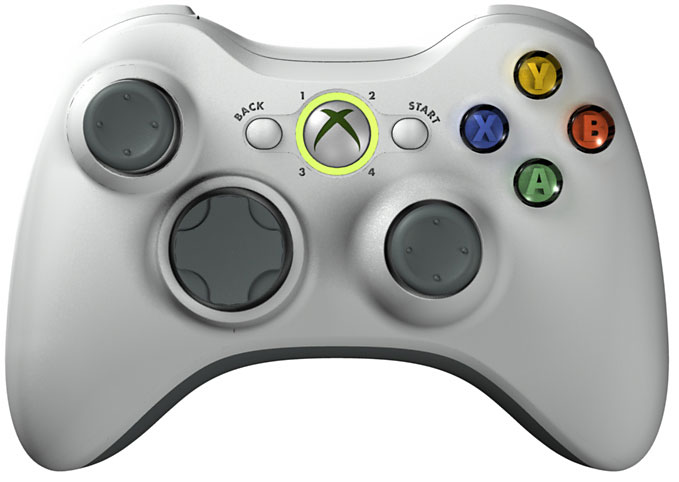
CAVE2 and Rift Controllers