Contents
- 1. Introduction
- 2. Data
- 3. Source Code
- 4. Features
- 5. Platforms
Introduction
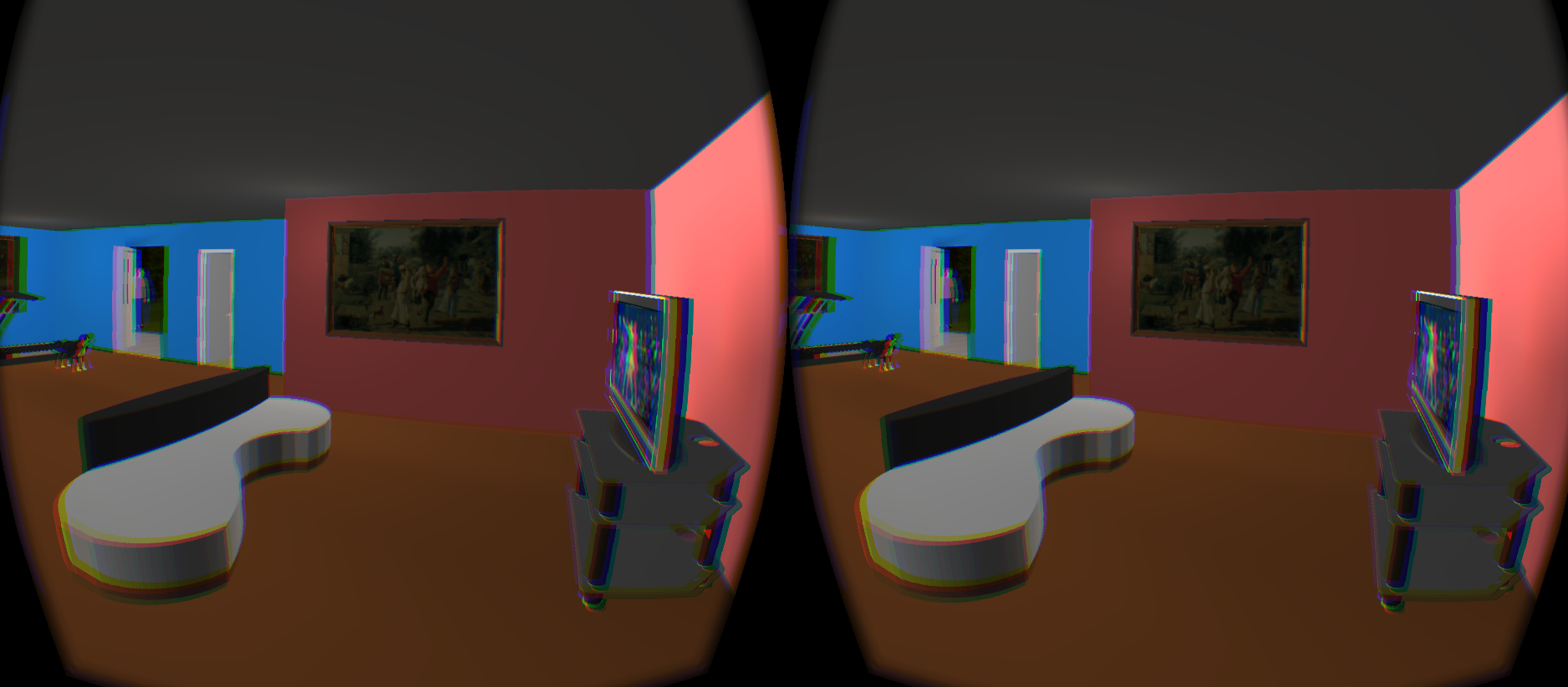
This is a simple application using OmegaLib to give user experience of navigating in a virtual environment of a house inside a ski mountain. This application can run on laptop/desktop or other VR devices like Rift. The user's eye is set as the view point. User can move around by pressing 'W' (forward), 'S' (backward), 'A' (left-side), 'D' (right-side) and turn around by draging the mouse.
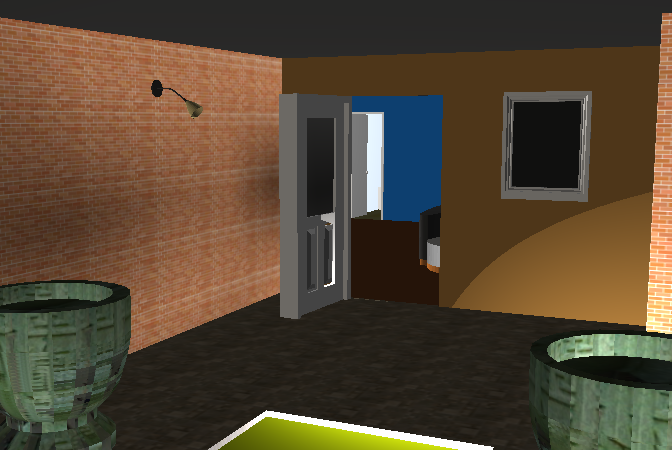
The front door light
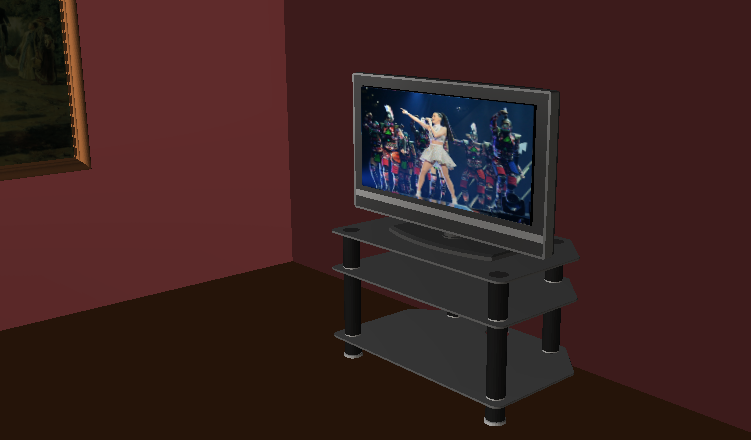
The TV
There are two objects which user can interact: 1. The light next to the front door. User can switch it on/off by pressing 'L'. 2. The TV in the living room. User can turn it on/off by pressing 'T'. There are also sound effects in this application. User can hear the sound when he is approaching close to some objects such as the ipod or piano.
Data
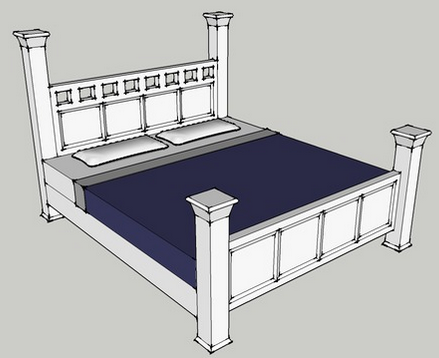
All the models used in this application are from 3D Warehouse. The following is a table of models along with the snapshot:
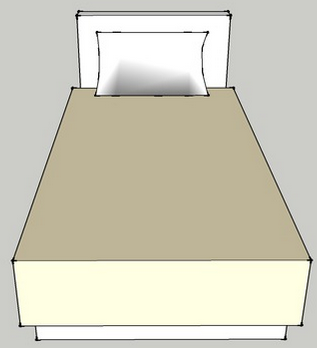
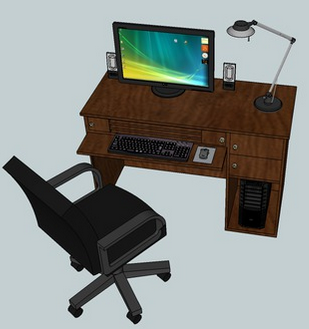
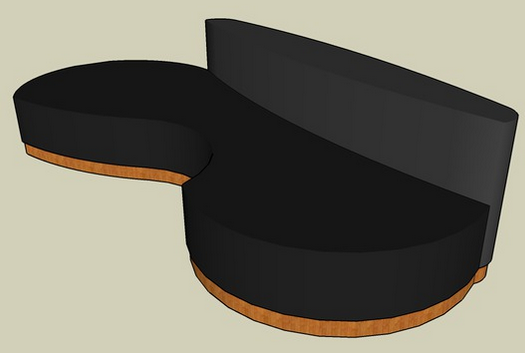
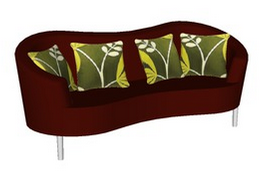
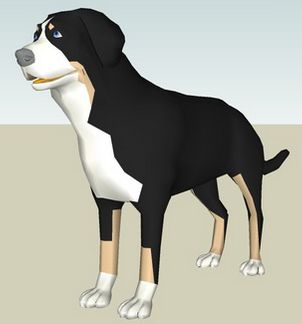
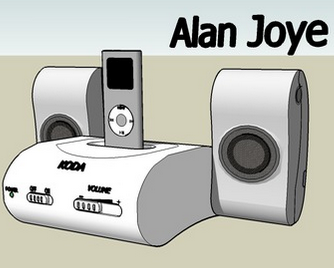
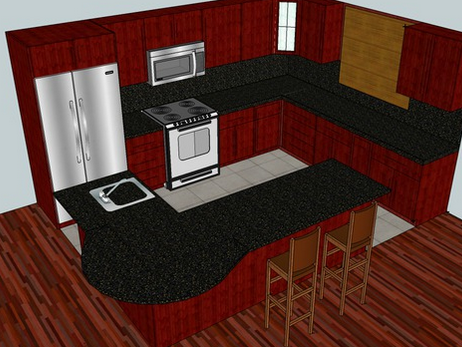
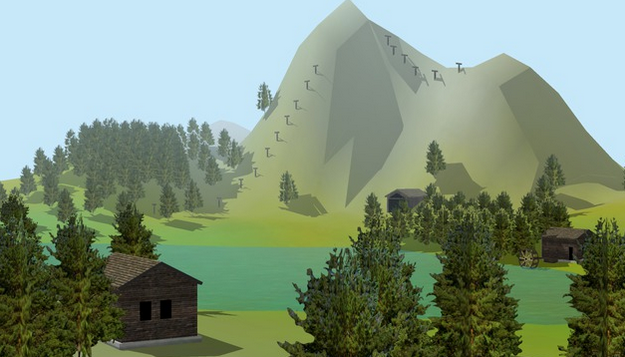
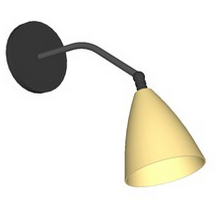
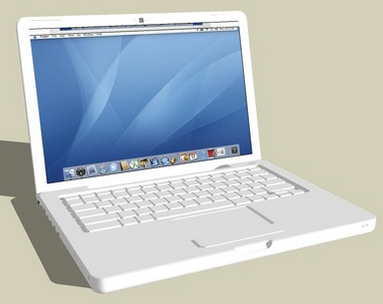
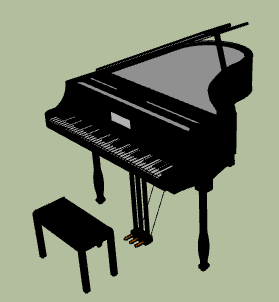



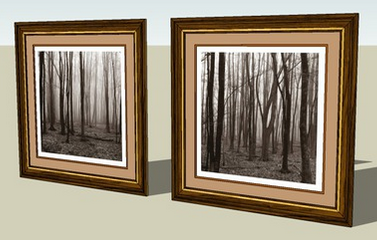

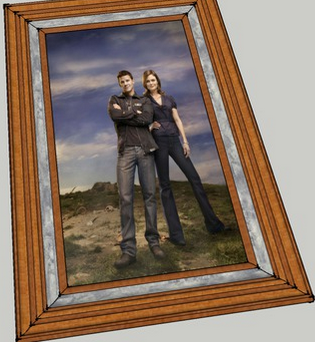
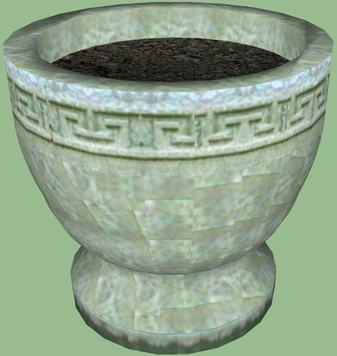

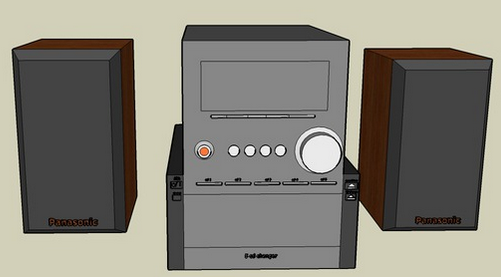
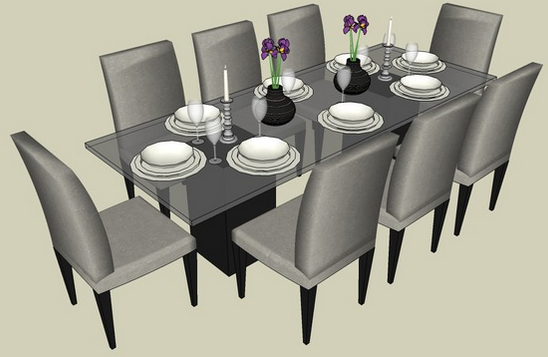
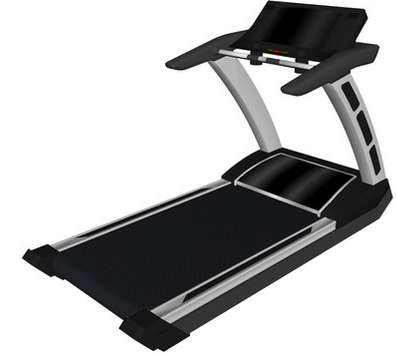
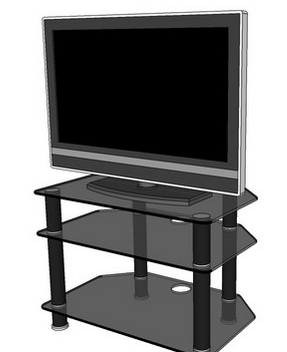
The textures of the wall, floor, stair of the house are taken from Fergus Duran and Texturelib. There are number of spatialized sound effects in the house. These sound files are downloaded from non-commercial-use site Sogou. Here is the table of the sound effects used in the application:
| Emitter | Description |
|---|---|
| Dog | Bark when user gets close enough. |
| iPod | Play the music Just like honey and can be heard when user gets close to it. |
| Macbook | Play the music Here comes the sun and can be heard when user gets close to it. |
| Stereo | Play the music Stranger on the shore and can be heard when user gets close to it. |
| Piano | Play the music Day of the river and can be heard when user gets close to it. |
| TV | Play the music Roar and can be heard when user gets close to it. |
Source Code
To run the application, you need to install OmegaLib first. Please build the OmegaLib following the tutorial according to the OS you use. Then unzip the source code you will see the python script house.py. Run orun -s your-path-to/house.py in command line and enjoy the VR navigation.
Features
One interseting thing I found for this application is that it is flexible for user to add object of their own interest by changing the python script house.py. In addition to the sound effect, some more complex effect like fire or smoke could also be added such as using particle system with some physics rules. There are many ways for user to design a house with personal style and interact with it in VR environment.
Platforms
The application can also run on other platforms like Oculus Rift or CAVE2. On both Rift and CAVE2, the script house_rift.py should be used instead of house.py in command line. The differenece between these two platforms is the controller button: On rift it is the button 'A' or 'B' to turn on/off the TV or switch on/off the front door light while on CAVE2 it is button '2' or '3' to turn on/off the TV or switch on/off the front door light. If the user wants to participate physically like walking in a real house, it is better to try on CAVE2 in which the way to interact with the environment is more realistic that user can walk around with more degree of freedom. But this doesn't mean Rift is out. If the user prefers the way to sit down still and use joystick to navigate just like playing any first-personal shooting game, Rift is a good option.
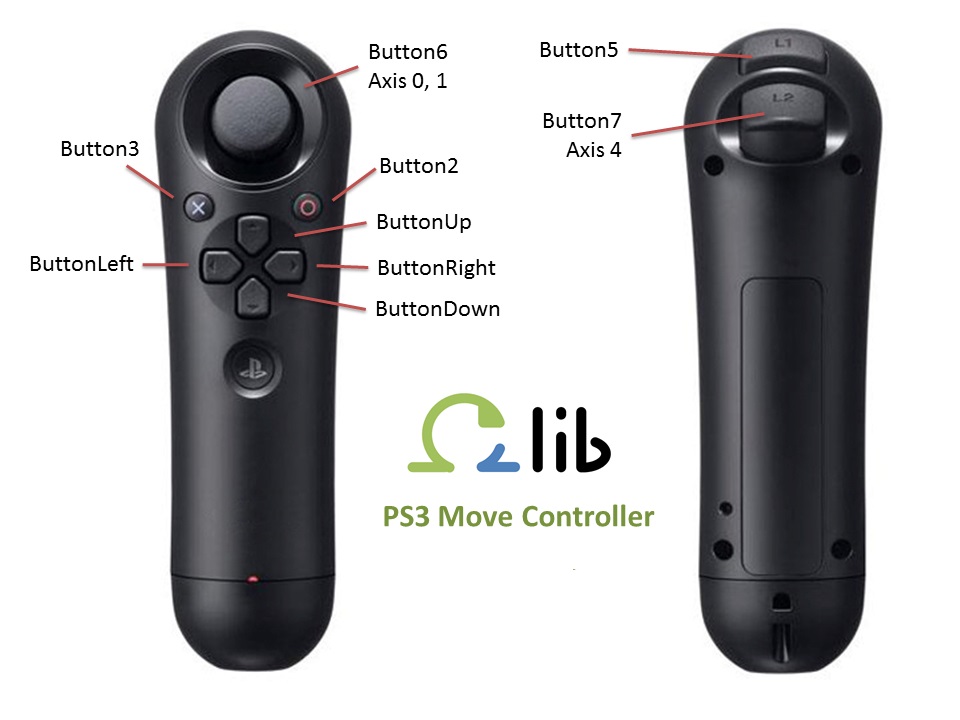
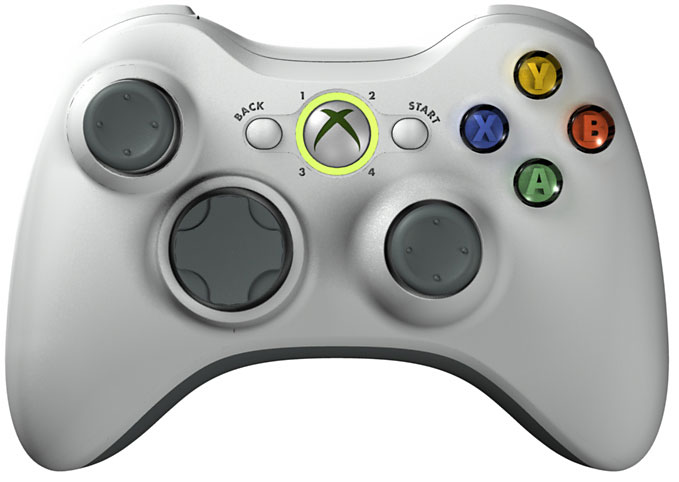
CAVE2 and Rift Controllers